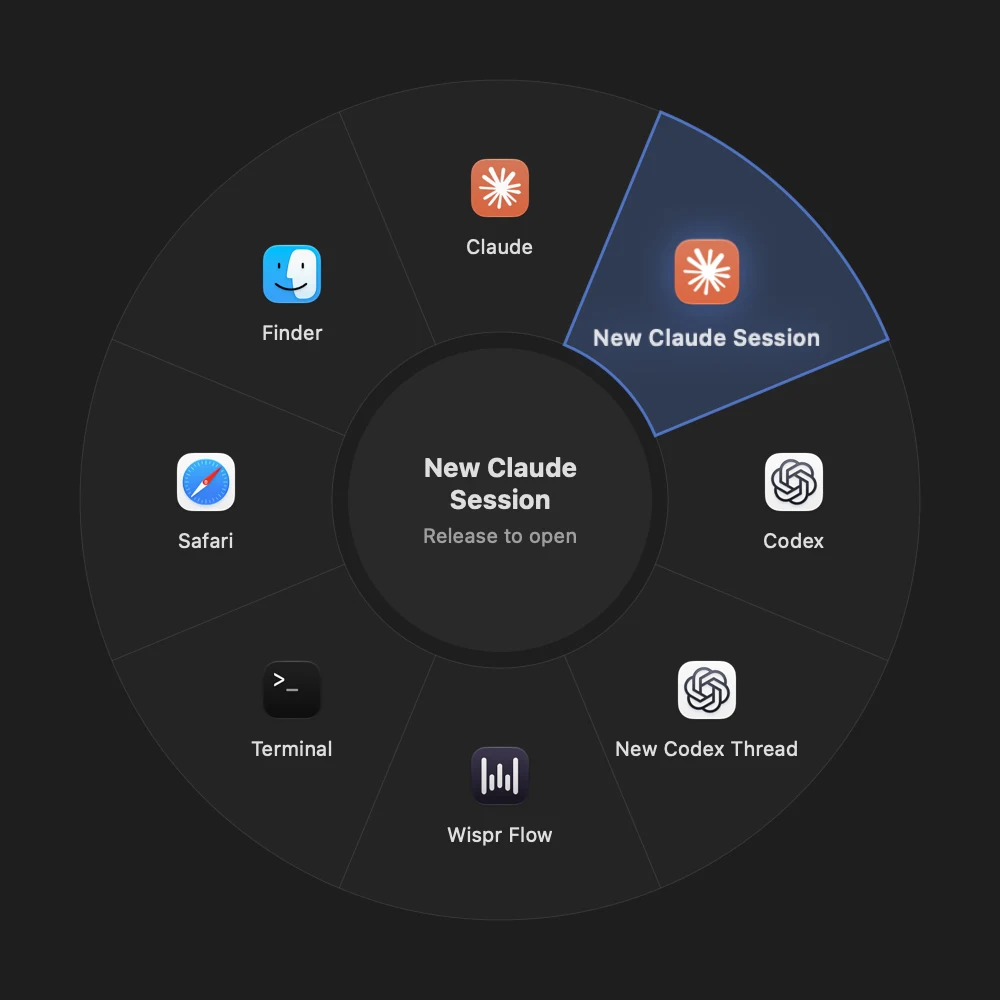
Command Wheel
Hold, point, let go.
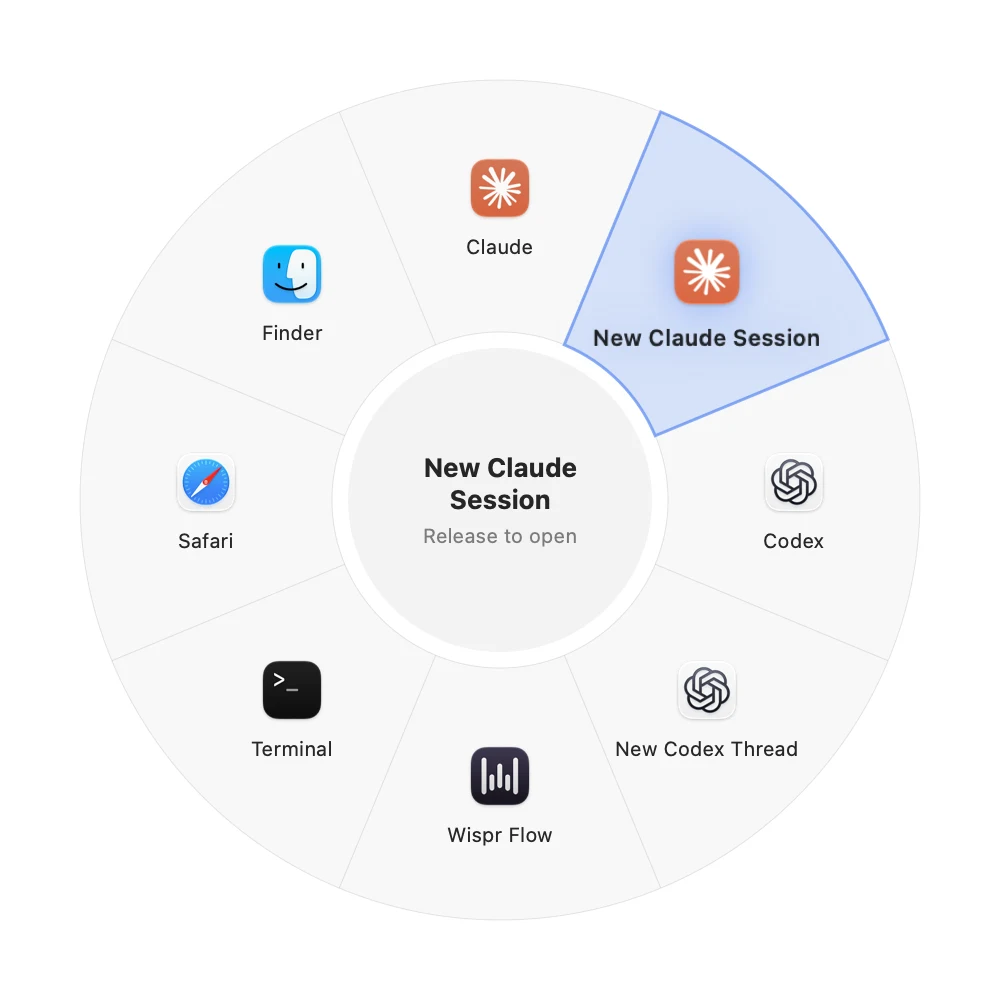
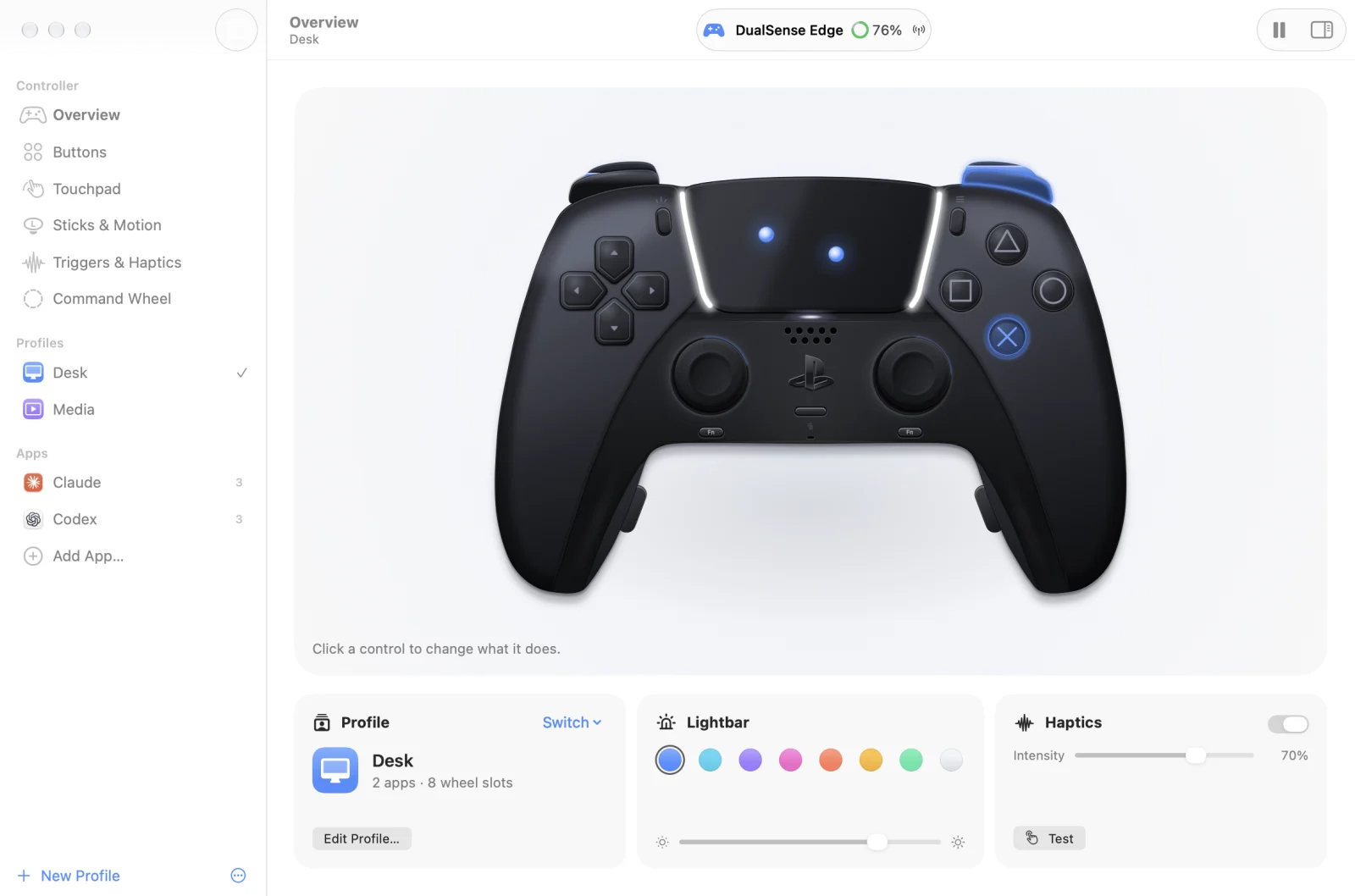
Hold Options and a ring of up to eight apps and actions opens. Point with a stick, release, and it runs. The Desk wheel starts with Claude, Codex, Wispr Flow, Terminal, Safari and Finder.
 Haptella
A Mac app for DualSense and DualSense Edge
Haptella turns your PS5 controller into a trackpad, a pad full of shortcuts and an app launcher. Point, click, scroll, switch apps and dictate without sitting up.
No account Nothing leaves your Mac macOS 26 or later


01Touchpad
One finger moves the pointer and a tap clicks. Two fingers scroll with momentum, flick between Spaces and pinch to zoom. It works like the trackpad you already know, except you're holding it in both hands.
Two fingers on the pad scroll this note. Pinch on your own trackpad to zoom it.
Flick sideways with two fingers to jump to the next Space. Tap the Dock to open something.
The real thing reads your controller 240 times a second, so the pointer keeps up with your thumb.
Reply to the group chat. Queue up the playlist. Ask Claude to finish the release notes while I find snacks.
Press Mute, say what I want, press Mute again. It pastes where the cursor is.
End of note. Scroll back up whenever you like.
Glide heremove · click · scroll · pinch
Got a DualSense nearby? Connect it to this Mac and press any button. Its left stick will steer a pointer around this page, clicks and the right stick scrolls.
02Every control
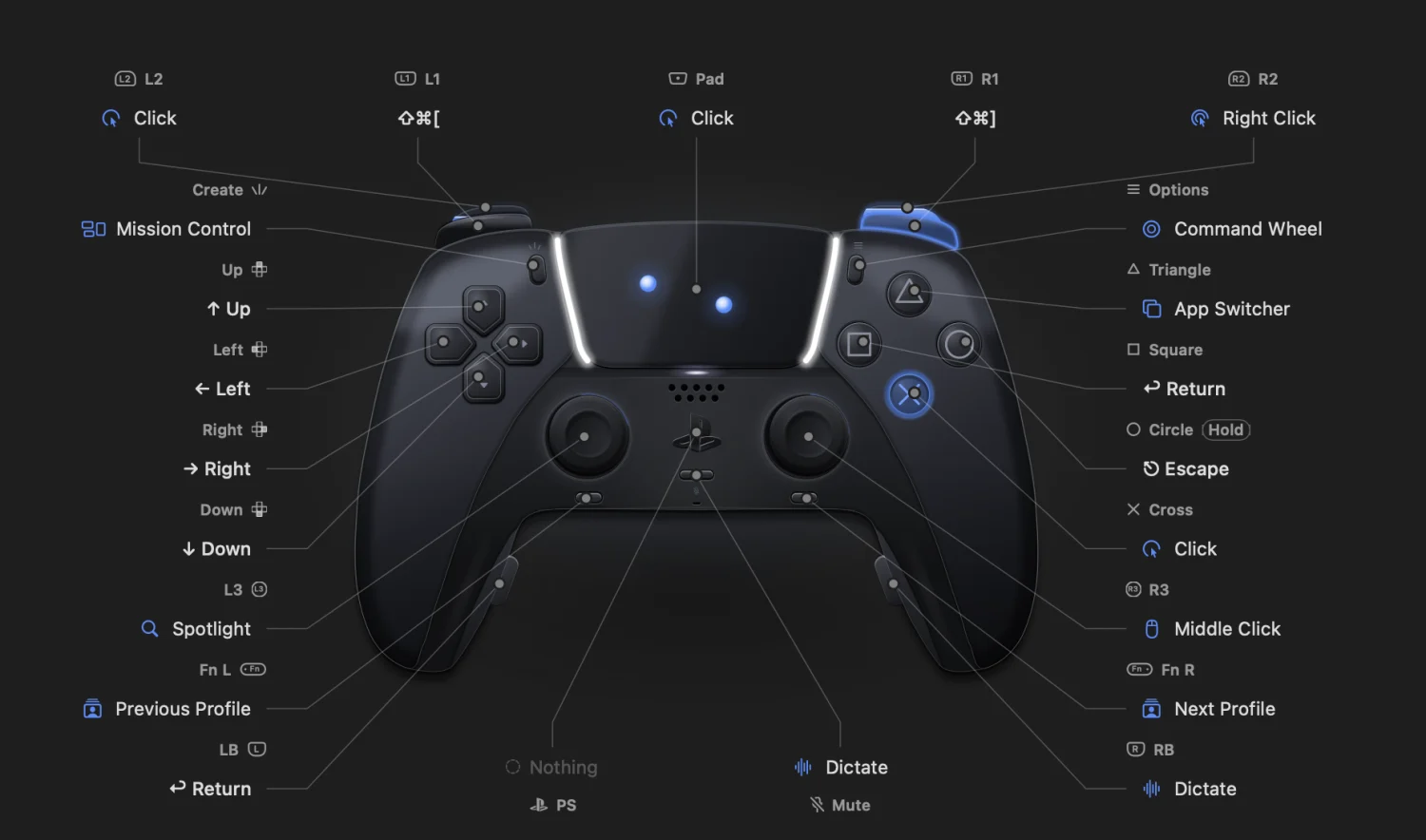
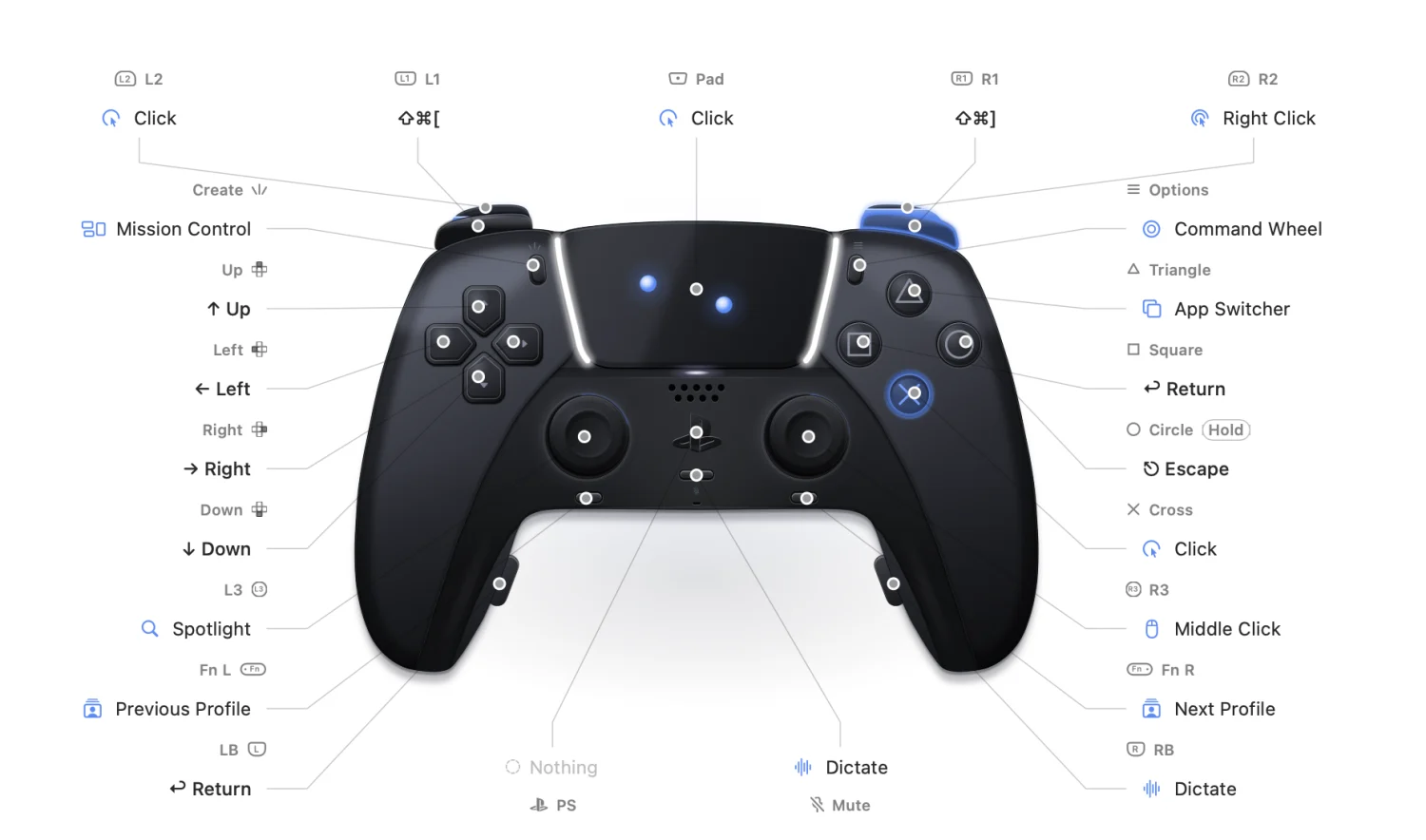
Out of the box, clicks, backs out, the sticks point and scroll, and the triggers click like a mouse. Change any of it later: shortcuts, apps, links, text, even shell commands.
Command Wheel
Hold Options and a ring of up to eight apps and actions opens. Point with a stick, release, and it runs. The Desk wheel starts with Claude, Codex, Wispr Flow, Terminal, Safari and Finder.
Dictation
Press the Mute button to start Wispr Flow hands-free, then press it again to stop and paste. Rather push to talk? Switch it to hold to talk.
MutePress to talk, press to pasteClaude and Codex
With Claude or Codex in front, a few buttons change to match. Your other buttons keep doing what they always do.
Remapping
Give each control a press, a long press and a double press. Send a shortcut to one app, open a link, type a snippet or run a shell command. Press two buttons together for something else again.
Adaptive triggers
Set how far L2 and R2 travel before they count, and how they feel on the way.
A crisp break halfway, like a mouse button.
Lightbar
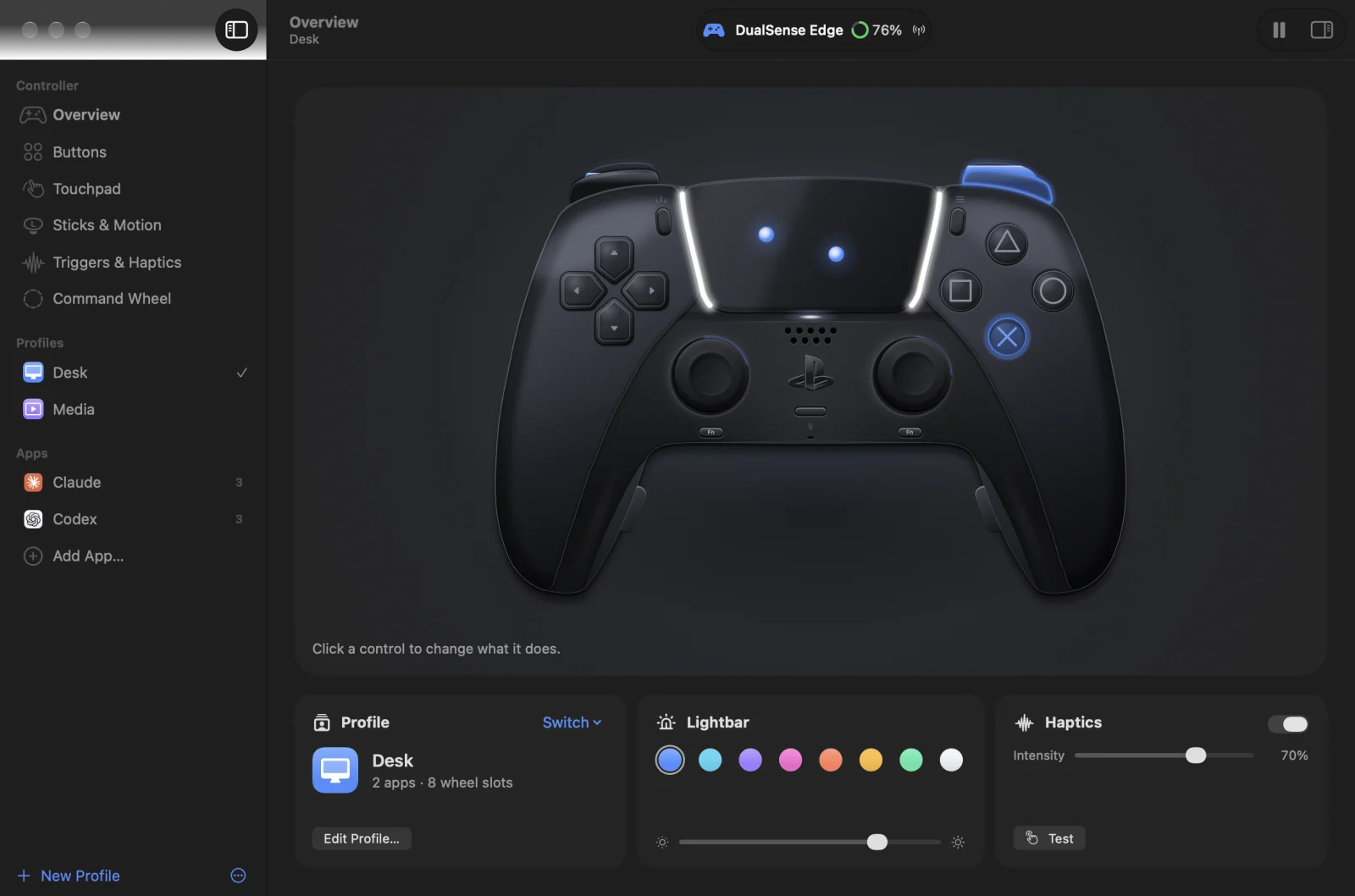
The lightbar shows which profile you're in, breathes while you dictate and flashes when you switch. Pick one and watch this page follow.
DualSense Edge
The back paddles press Return and start dictation. The two Fn buttons flip between profiles. All four can be remapped.


Profiles
Each profile has its own buttons, wheel and color. Apps can change a few buttons while they're in front, and games that read the controller themselves can pause Haptella entirely.
Menu bar
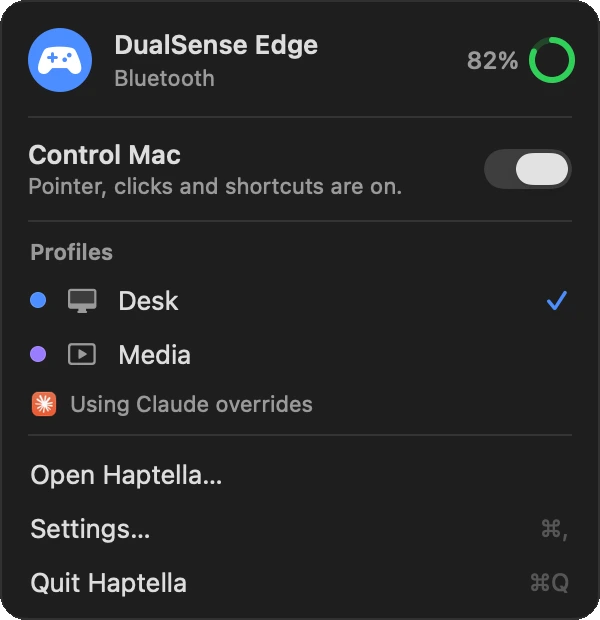
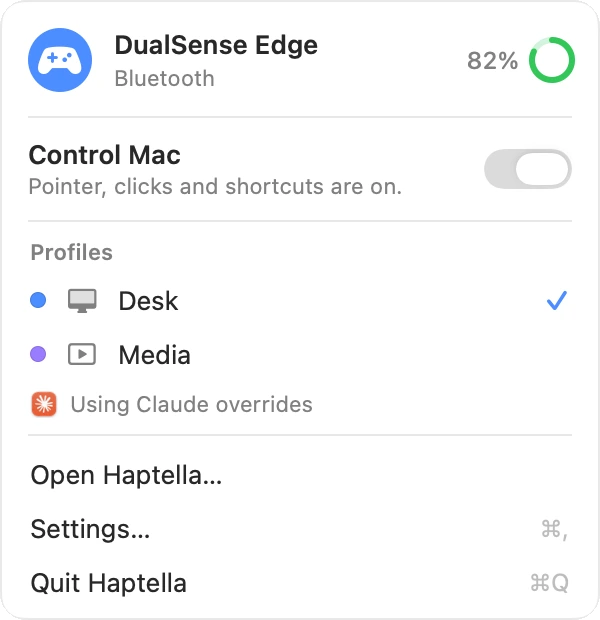
Haptella lives in the menu bar with your battery level, profiles and a pause switch. Press L1 and R1 together to pause from the couch. Haptics confirm clicks, holds and profile changes.
03Made for macOS
Haptella is written in Swift and SwiftUI and dressed in Liquid Glass. It has no account and no analytics, and it never makes a network connection of its own. Your profiles stay on your Mac.
04Setup
Hold PS and Create until the light bar flashes, then pick it in Bluetooth settings. Or plug in a USB-C cable. Haptella says hello with a little pulse.
PS+Create
Accessibility lets Haptella move the pointer and press keys. Input Monitoring lets it read the touchpad and the PS, Mute and Edge buttons. It never records what you type.
AccessibilityInput Monitoring
A short tour lights up each button as you press it. After that, Haptella waits in the menu bar until you pick up the controller.
05Questions
The PS5 DualSense and DualSense Edge wireless controllers, over a USB-C cable or Bluetooth. Other controllers aren't supported.
macOS 26 or later. Pair the controller once in Bluetooth settings, or plug it in, and Haptella picks it up whenever it's on.
macOS only lets an app move the pointer, click and press keys for you after you allow Accessibility. Input Monitoring is how Haptella reads the parts of the controller macOS doesn't share by default: the precise touchpad, the PS and Mute buttons, and the Edge paddles and Fn buttons.
Haptella only reads your controller. It doesn't read your keyboard or record what you type.
No. There's no account and no analytics, and Haptella doesn't make network connections of its own. Your profiles are saved on your Mac. See the privacy policy.
Tell Haptella to pause while a game is in front and the controller goes back to the game. You can also pause any time with L1 and R1 together, or from the menu bar.
Wispr Flow works out of the box: press Mute to start hands-free dictation and press it again to stop and paste. You can switch to hold to talk, or point dictation at another app's shortcut.
Yes. Profiles export as files you can send to a friend or keep as a backup.
Pair your controller, allow two permissions and drive your Mac from wherever you're sitting.